The first day after the launch was all about feedback: many of you signed up, had a look round and wrote to us about what’s missing, what’s not working properly and what’s annoying. Thank you for that. A good number of these suggestions have already been implemented. Here’s an overview.
New: ‘For you’ straight on the Discover page
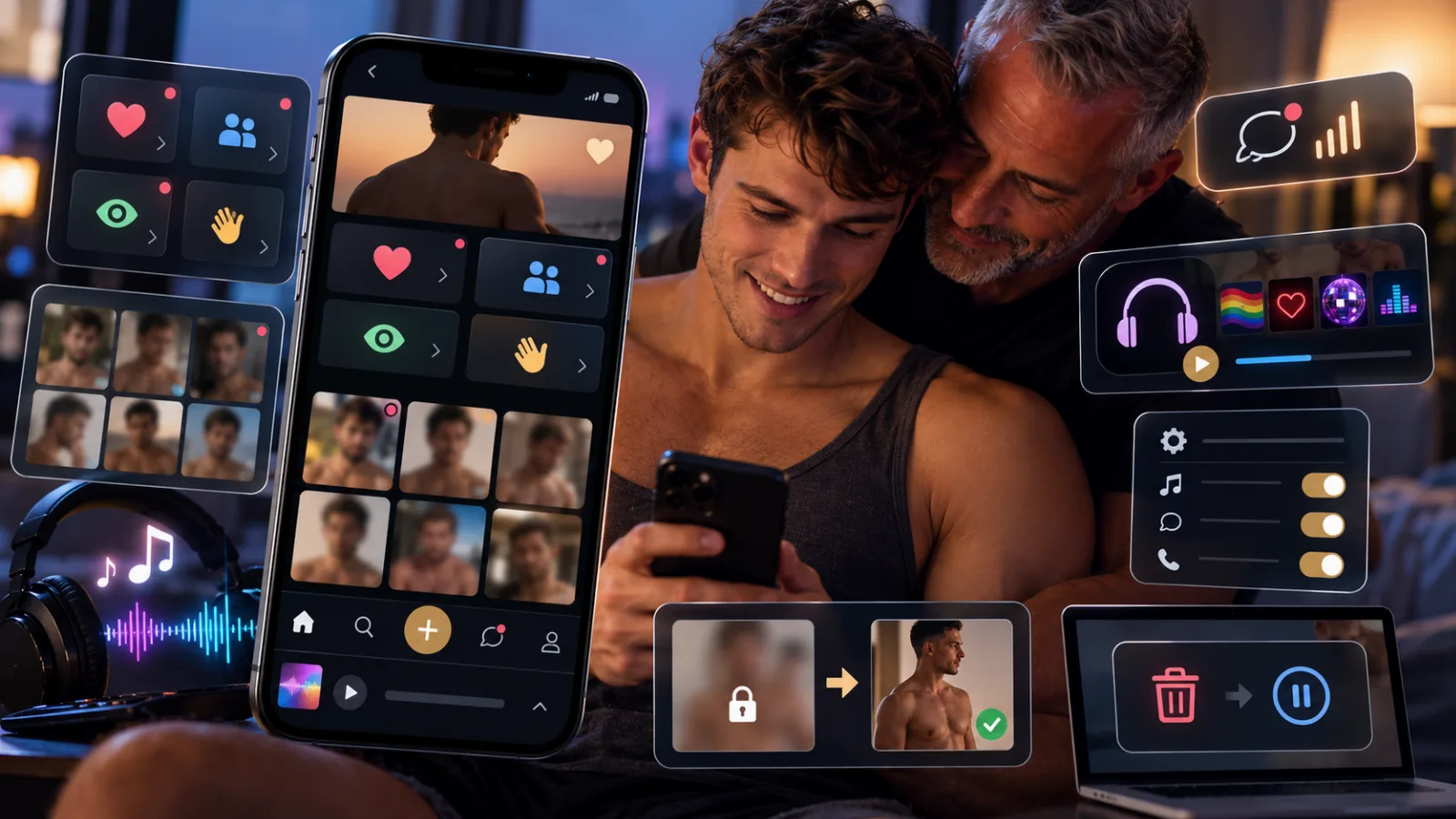
Who’s visited my profile, who likes me, who’s sent me a wink? Until now, this was only available under ‘Likes’ – on mobile, that’s behind the fourth tab in the bottom bar. Now it’s right below the welcome message on ‘Discover’: four tiles showing Likes, Matches, Visitors and Reactions, each leading to the relevant list with a tap. Below that, you’ll see the latest faces who’ve liked you or sent you a wink, and with Premium, you’ll also see who’s visited your profile. Anything you haven’t seen yet is marked with a small dot.
New: DaddyBoy has a sound
From now on, when someone messages you or accepts your request, you’ll hear a short jingle – three rising notes. Every subsequent message is signalled by just the last note, very briefly. During a video call, it rings as before. The sounds only play whilst DaddyBoy is open in a tab; they don’t play for actions you take yourself, nor in the chat you’re currently viewing. Under Account › Notifications › Sounds, you can switch off each of the three individually and listen to them beforehand. Please note: browsers only play sounds after you’ve tapped or clicked on the page once.
New: Radio in the background
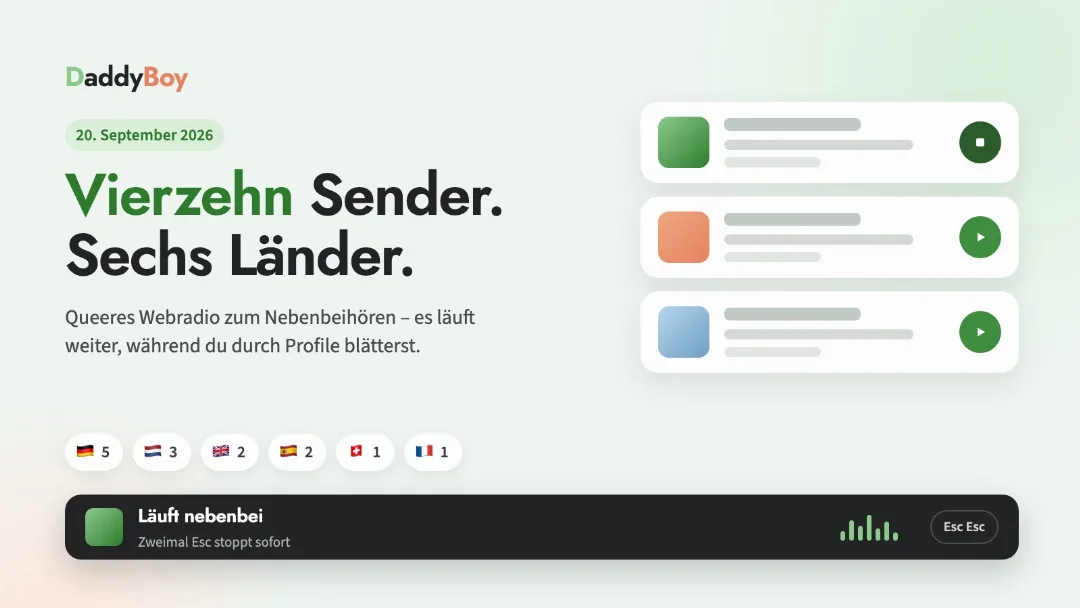
Under ‘Entertainment’, there’s now a Radio section. A station plays in a narrow bar at the bottom of the screen whilst you’re scrolling through profiles or chatting, and on your phone you can change the station directly from the bar. We’ve put together a selection of queer stations.
Improved: the mobile experience
On some phones, the account menu in the top right-hand corner used to extend beyond the edge of the screen, making the first entries inaccessible. This has been fixed. It also closes when you tap next to it, press the Escape key, or switch pages.
The bar at the bottom now features a narrow section for News and Radio. The account menu now only displays items not shown at the bottom.
Images on the Discover page load more smoothly: no more jumping sections, suggestions stay in place, and images fade in gently. Safari used to load the full-size image alongside every small tile, which used up data and time. That’s no longer the case.
Improved: Images and verification
You can now upload explicit images (CAT-16 and CAT-18) even without age verification. However, nobody will see them until our team has approved them; without verification, each of these images is sent for review. And if a re-review concerns your main image, this is now explicitly stated in the notification, not just the new rating.
Improved: Security without false alarms
Some of you were receiving the ‘Login from an unknown device’ email every day, even though it was always the same mobile phone. This was due to the changing network address in the mobile network. We now recognise your device via an identifier in the browser; you’ll only receive the email if a new device is actually added.
Improved: Deletion and suspension
Anyone who requests their account to be deleted will now receive an email stating the effective date and including a link to change their mind. Another new feature is the ‘Just pause account’ option: your profile will then be hidden, everything will be preserved, and you can return at any time. Replies to this email will go to our support team, not into an empty inbox.
And other changes
The posts here under ‘News’ are now displayed as tiles in a grid rather than one below the other. Minor corrections to texts and emails have also been made. If you spot anything: the ‘Report an error’ button is at the very bottom of every page, and under Account › My enquiries you can see what’s become of it.