DaddyBoy will soon be available as an app for the iPhone. It features everything you’re familiar with from the website, plus notifications on the lock screen, Face ID unlocking and the option to purchase Premium via the App Store. Before the app goes live in the App Store, we’d like a few members to try it out in their day-to-day lives and let us know what’s not quite right.
How to become a tester
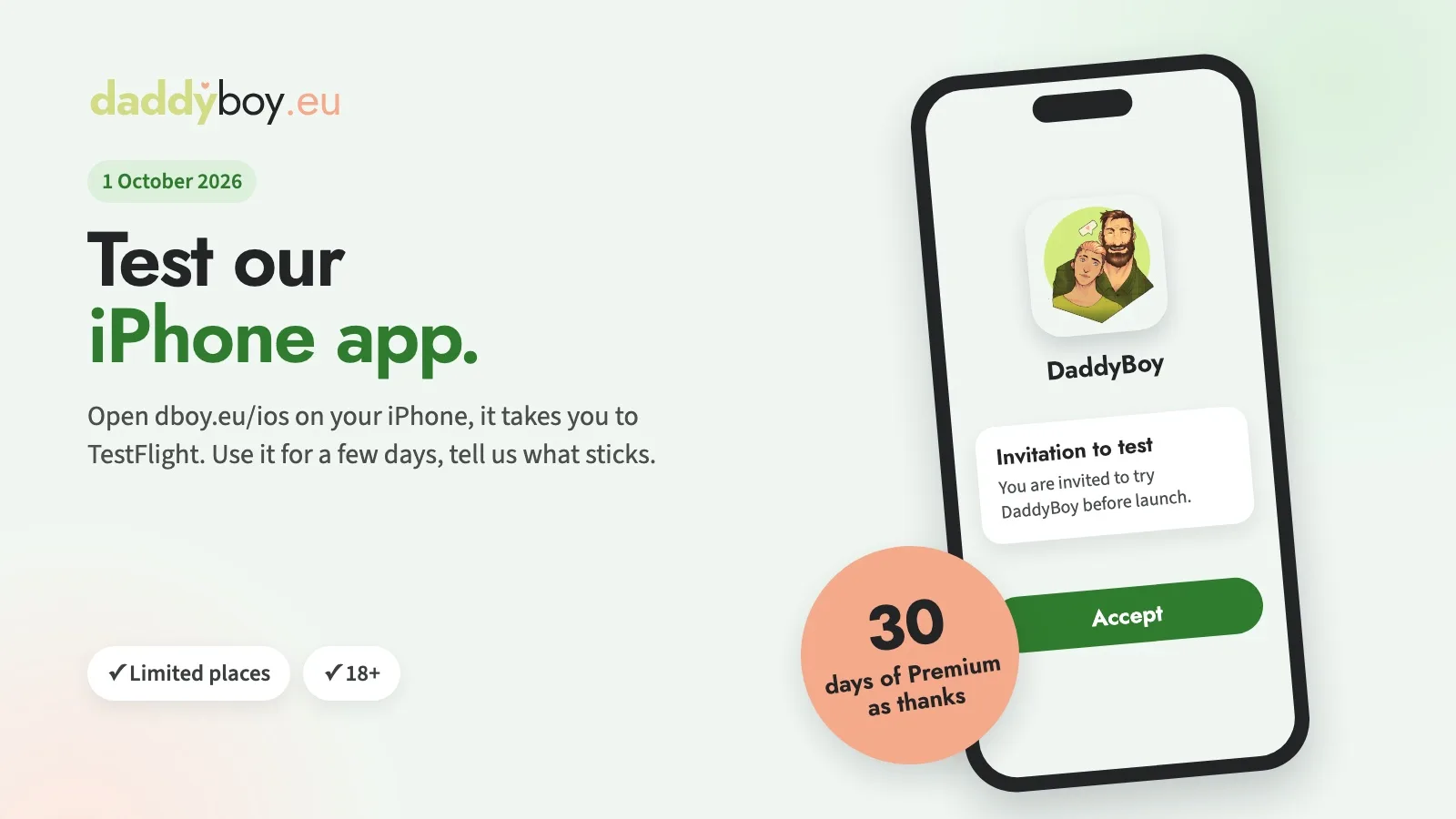
1. Open the link. On your iPhone, go to dboy.eu/ios. The link takes you to TestFlight, Apple’s own app for testing apps before their launch. You’ll need an iPhone running iOS 15 or later.
2. Install. If you don’t already have TestFlight, download it from the App Store, then accept the invitation and install DaddyBoy. You don’t need to email us.
3. Use it for a few days. Log in with your account as shown on the page. Chat, send pictures and voice messages, try a video call, browse the ‘Discover’ and ‘Search’ sections, upload a picture, and allow notifications. You can try out the Premium subscription risk-free during the trial: TestFlight won’t charge you anything.
4. Let us know what’s wrong. The easiest way is to send a screenshot directly from TestFlight or via the app under More › Report a bug. A brief note explaining what you’d expected helps us the most.
Here’s what you’ll get in return
After the trial, we’ll credit you with 30 days of Premium, regardless of whether you found a lot or a few issues. If you already have Premium, we’ll add the days to the end of your current subscription. So that we know who took part in the trial, please send us your feedback from the app or from TestFlight using your username.
What you should know
The test app shows the real platform: your chats, pictures and likes are the same as on the website – none of it is just for testing.
The number of test places is limited. First come, first tested.
Apple can see your Apple ID on TestFlight, just as it does with any app from the App Store. We only see what you write to us.
As always: 18+ only.
An Android app is coming later. If you don’t have an iPhone, you can continue using DaddyBoy in your browser or as an installed web app.