An adult platform thrives on everyone feeling safe: those who post images and those who view them. That’s why we’re providing an overview of what goes on behind the scenes at DaddyBoy.
Every image is checked before it goes live
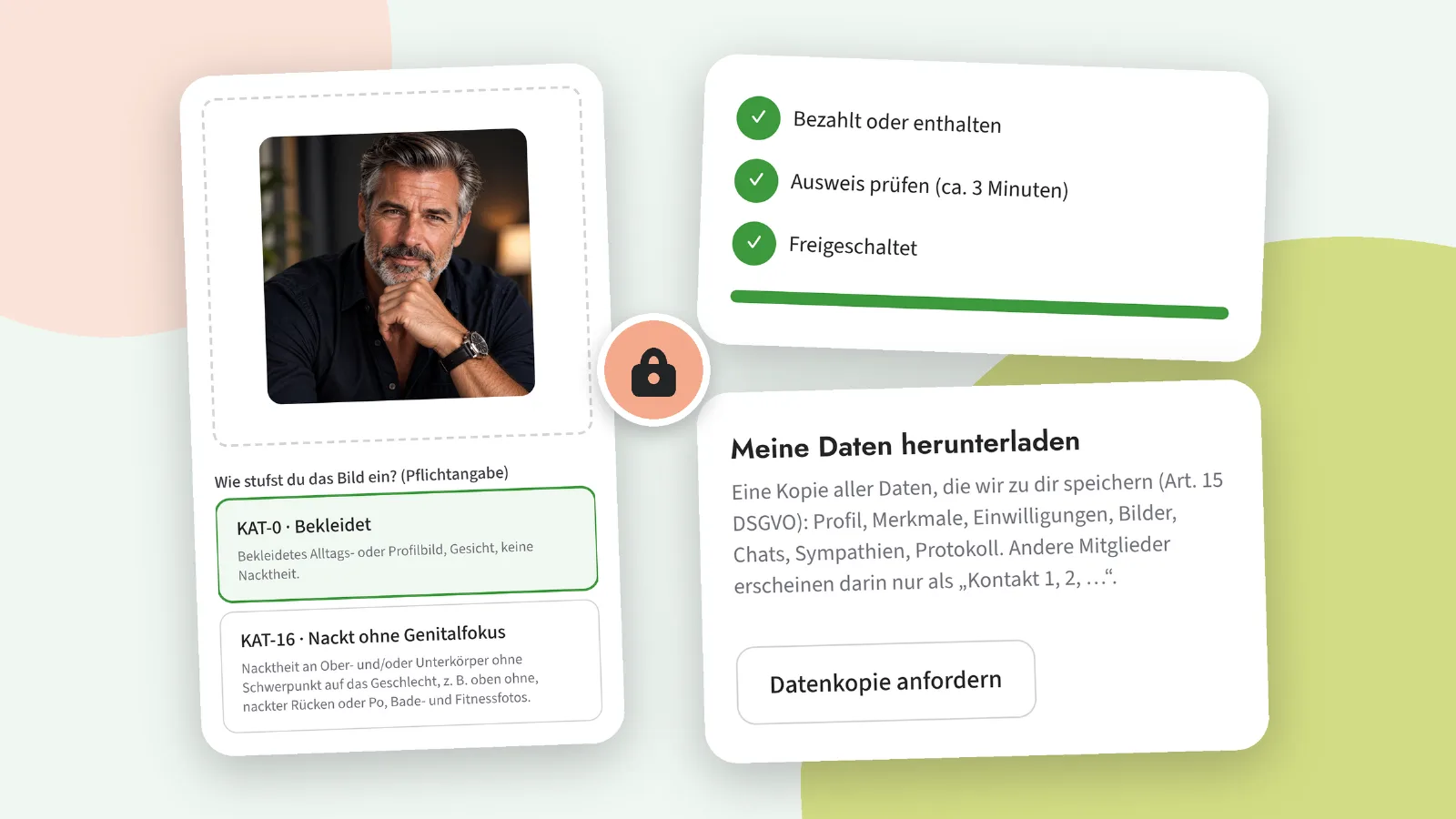
When you upload an image, you rate it yourself: clothed, revealing or explicit. Our own image recognition system then checks it; this runs on our servers in the Netherlands, not via a US service. For anything that isn’t clearly harmless, a member of our team makes a decision before the image becomes visible. For users who haven’t yet completed age verification, revealing and explicit images are always reviewed manually.
Who can see what
Every member can see clothed images. Revealing images are only visible to members whose age has been verified. Explicit images are only visible to verified Premium members who have expressly enabled this feature. Everyone else sees a placeholder. Only profile pictures appear on the public homepage, pixelated and only with the member’s explicit consent.
Age verification
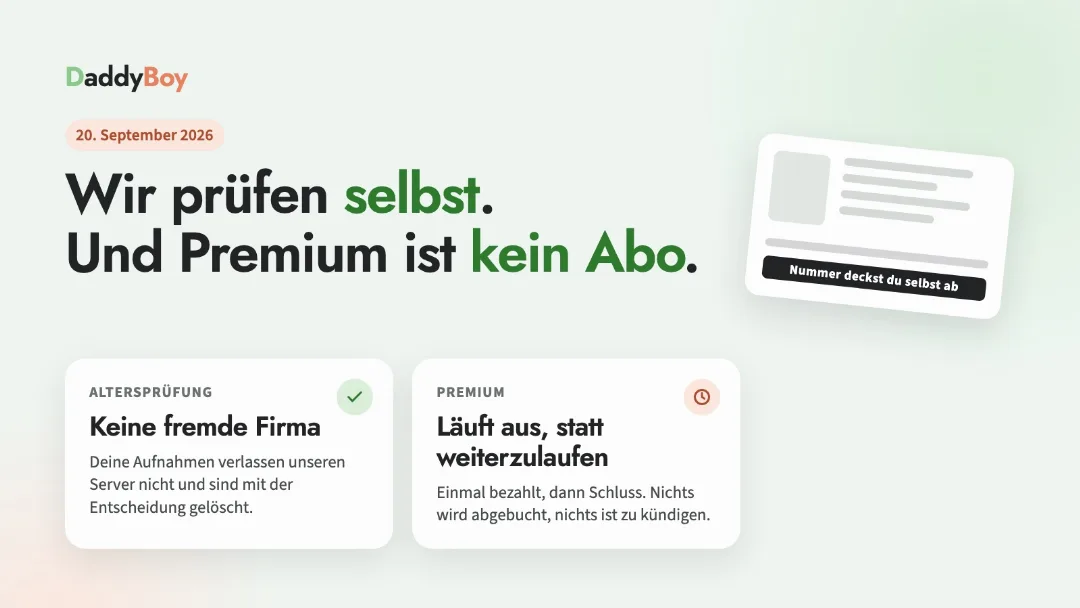
Verification using an ID document takes just a few minutes and is included in the Premium membership. The ID document remains with the verification provider; we only store the result. Verified profiles display a badge.
Your account, your data
Data copy: Under Account › Status, you can request a copy of all the data we hold about you with a single click.
Pause: Become invisible without losing anything. Ideal if it’s not the right time right now.
Deletion with a cooling-off period: Once you’ve requested deletion, your profile will be hidden immediately; it will be permanently deleted after 14 days. You can change your mind before then – we’ll send you a reminder beforehand.
New devices: If someone logs in from an unknown device, you’ll receive an email. Passkeys and two-factor authentication are available in the Security Centre.
Report and block: Any profile, photo or message can be reported in two simple steps. The team will reply, and you’ll be told what action has been taken.
Help & Contact
Questions, requests, account issues or a bug: Under ‘Help & Contact’, you can reach us directly from the app, with a chat history and a reply by email.