On DaddyBoy, discretion isn’t an optional extra – it’s part of the core structure. You’ll find everything described here under Account › Settings. None of it is compulsory, and you can switch it all off at any time.
Disguise
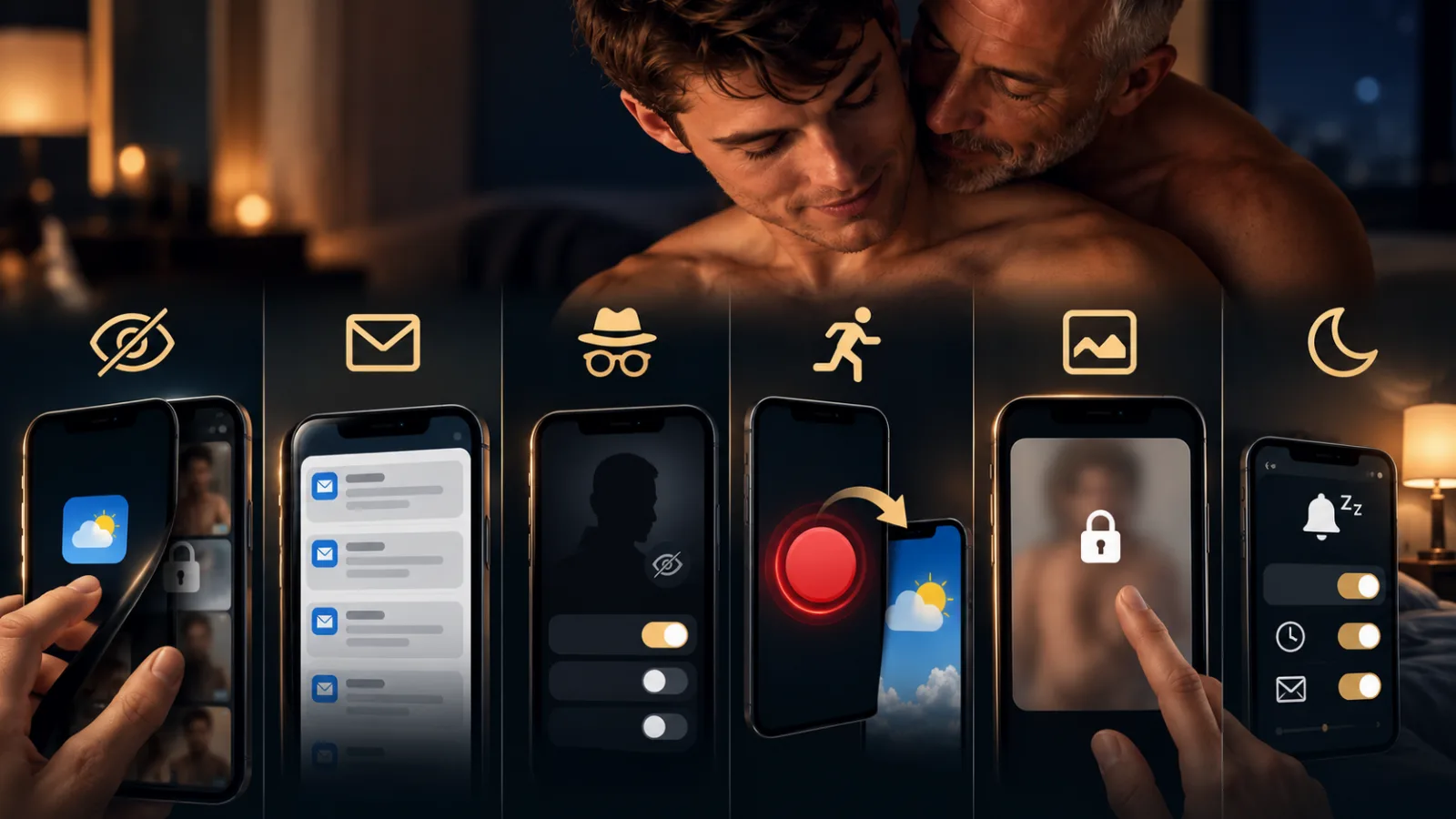
If you wish, DaddyBoy can appear on your mobile as a harmless app: with its own name, its own icon and a neutral cover screen that only reveals the app once you’ve tapped it. Anyone looking over your shoulder won’t see anything to do with Daddies or Boys.
Keep emails neutral
Regardless of the disguise, you can configure our emails to look neutral: a neutral sender, a neutral subject line, no names, no images. The content is only revealed once you’ve logged in.
Incognito
Two levels: either you just hide when you were last active, or you’re completely invisible in searches and suggestions and leave no trace as a profile visitor. Direct links to your profile and ongoing chats still work.
The quick escape
One tap on the panic button, and you’ll instantly be taken to an innocuous page of your choice, such as the weather or the news. You can set which page this is in your settings.
Images only when tapped
Explicit images aren’t displayed in full size without your permission. You decide when to look at them. This applies to both search results and chats.
Quiet hours
Push notifications and emails respect your quiet hours. Your mobile stays silent at night, and you’ll receive a summary in the morning. You can set how often and what you’re notified about for each event yourself.