Sometimes you need a break: a holiday, a new relationship, or just some peace and quiet. That’s what the ‘Break’ feature is for, which you’ll find under My Account › Overview. Until now, however, this also meant that anyone who’d just been messaging you would suddenly be unable to find your profile and end up on a blank page. We’ve changed that.
You’ll still be there for your contacts
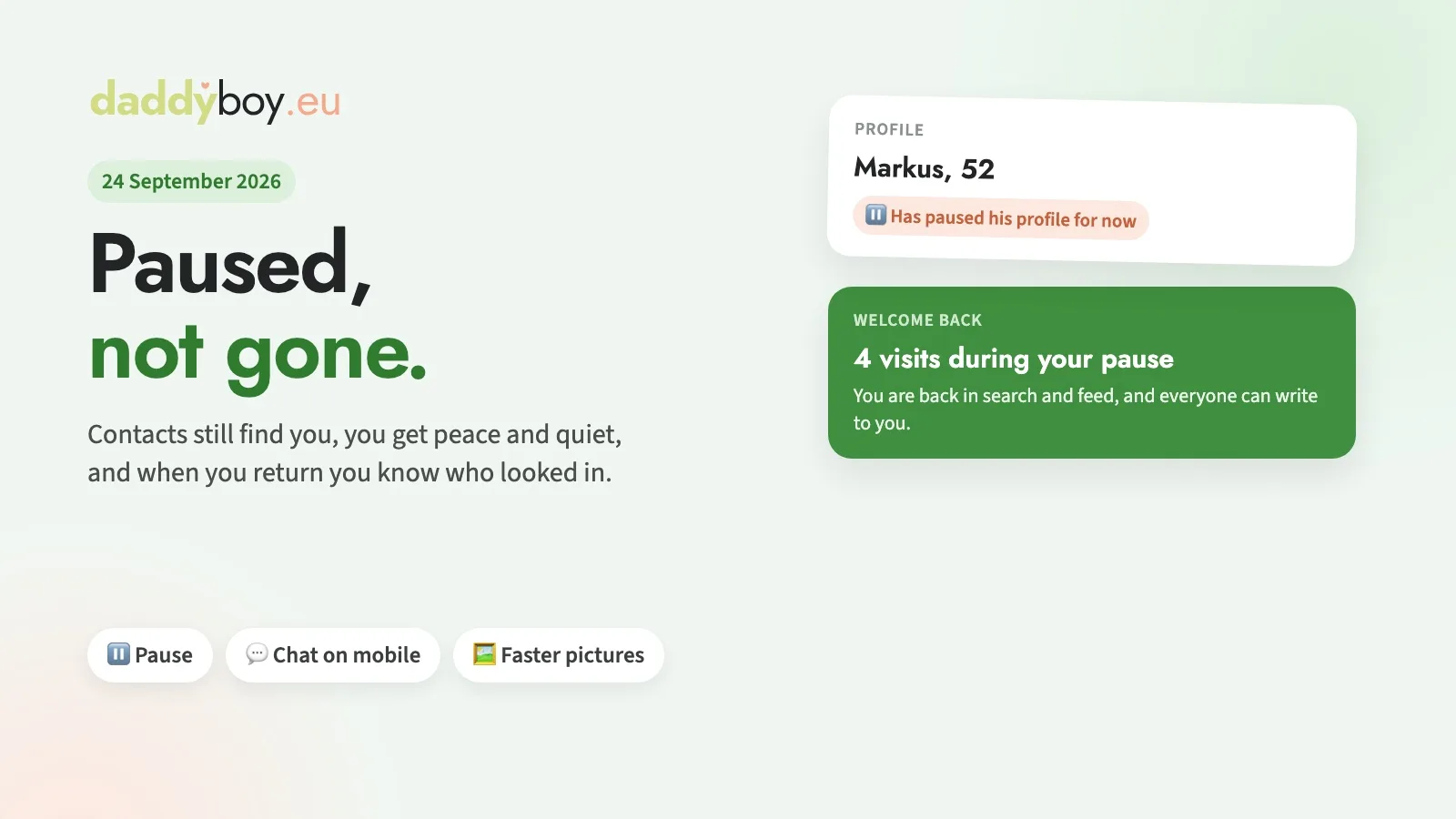
When you’re on a break, you’ll disappear from search results, your feed and suggestions, and nobody will be able to message you. However, anyone who already knows your profile – for example, from a chat, your favourites list or your visitor list – will still be able to see it, with the note ‘on a break’. In chats, too, it now says that you’re currently on a break, rather than just ‘unavailable’. That way, the person you’re chatting to knows where they stand.
Peace and quiet whilst on a break
Whilst you’re on a break, you won’t receive any push notifications or emails. The bell will collect visits and likes for you until you’re back.
An overview when you return
To return, simply tap the large ‘Cancel Pause’ button on the overview screen. You’ll then immediately see how many members have visited your profile in the meantime, and you’ll be back in the Search and Feed sections.
Fixed: Mobile chat updates instantly
If you briefly left the chat on your mobile – for example, to use another app – the latest messages would sometimes be missing when you returned, until the chat reloaded automatically after half a minute. Now it fetches them straight away as soon as you’re back.
Improved: Images load faster
Profile pictures and images in the chat that you’ve already seen are now retrieved from your browser’s cache, rather than being reloaded each time. This saves time and mobile data, especially on mobile phones.