Ever since the relaunch, we’ve been saying: at DaddyBoy, ‘Premium’ is a one-off payment for a set period – not a subscription that renews automatically. Now you can actually sign up for it. Here’s how it works, so there are no surprises when you’re out and about.
Proceed to PayPal, then back again
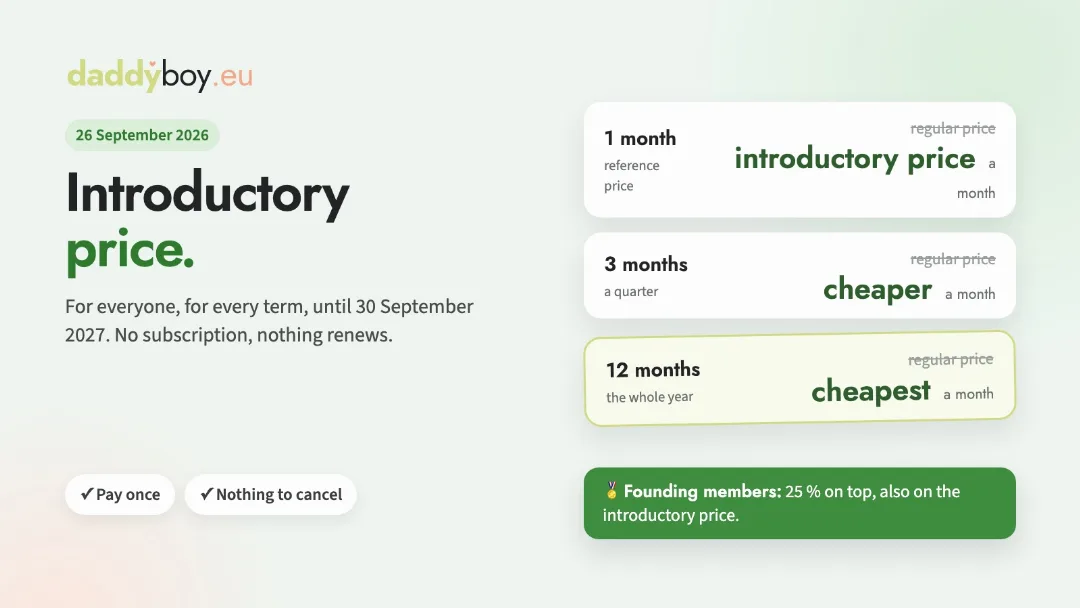
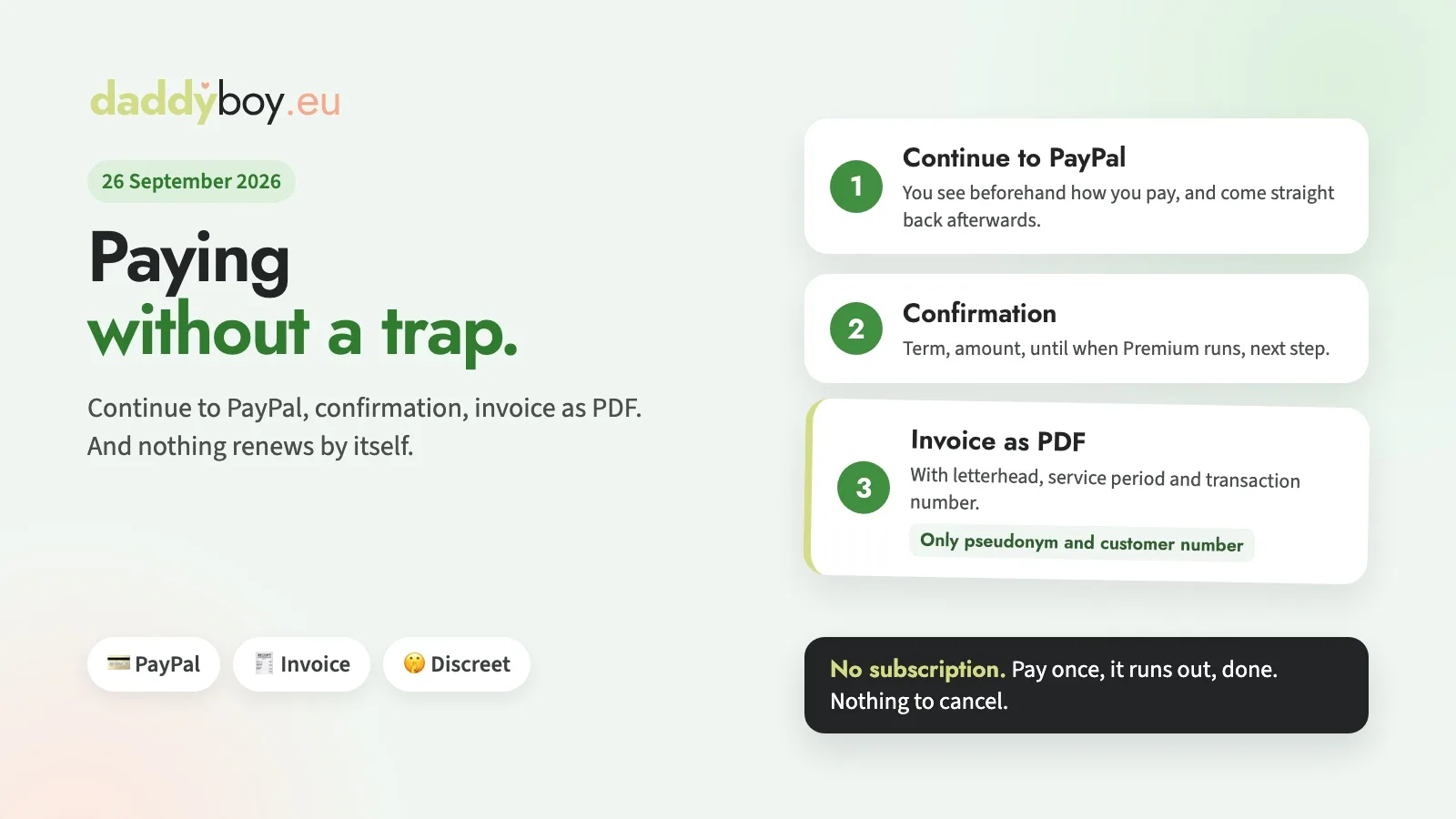
On the Premium page, choose a subscription period of one, three or twelve months and you’ll see the payment method below. The button tells you: ‘Proceed to PayPal’. There, you log in, confirm the amount, and PayPal automatically redirects you back to us. Your PayPal statement won’t show ‘DaddyBoy’, but the name of the operator, Bedrijf voor lekker internetten B.V. Discretion was just as important to us when it came to payment as it is everywhere else.
If you cancel the transaction on PayPal, nothing happens: you’ll be taken back to the Premium page, where it will state that the payment has been cancelled and no money has been debited. You can try again at any time.
The confirmation that says it all
After a successful payment, you’ll be taken to a dedicated page showing the subscription period you’ve booked, the cost, the expiry date of your Premium membership, and your invoice as a PDF. If you haven’t yet passed the age verification, a button takes you straight to the verification process – this is included in Premium. You’ll receive the same details as a notification in the bell icon and by email, with a link to the invoice attached.
An invoice you can show
You can find your receipts at any time under My Account › Membership. They now look exactly as you’d expect an invoice to look: a letterhead with the operator’s logo and address, the invoice number, date, payment method and the PayPal transaction number, in case there’s ever a query. The ‘Item’ section shows the subscription period and the service period; below that are the net amount, VAT and total amount. The receipt does not show your name, only your username and your customer number.
Should you ever receive a refund, you’ll be issued a credit note in the same format, referencing the invoice. Your paid period will then end, but your profile and your ‘Verified’ badge will remain.
And remember: there’s no subscription
If you book additional time whilst your current subscription is still active, it will be added to the end; not a single day is lost. When your time runs out, you simply revert to being a Free member. We’ll let you know a week in advance – not as a warning about a direct debit (we don’t have those), but so that the end of your subscription doesn’t take you by surprise.
Further payment methods will be added as soon as they’re available. We’ll answer any questions you have under Help › Premium or directly via Help & Contact.